
Apps and tools worth using for your event in 2026
An honest category-by-category guide: RSVPs, playlists, communication, photos, and what actually works.
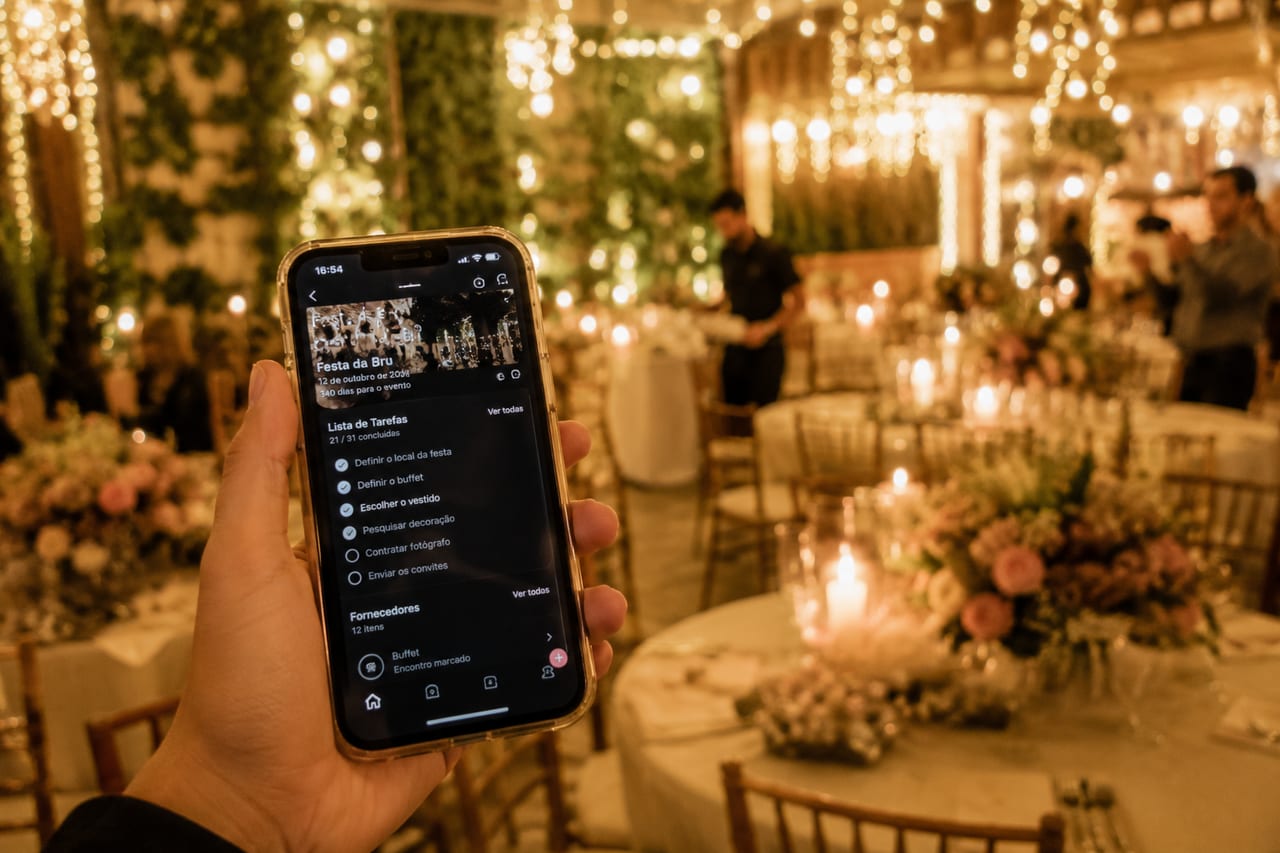
Organizing an event today means navigating dozens of digital tools, each promising to make everything simpler. Some deliver. Many don't. This guide is not sponsored by any of them: it's an honest category-by-category look at what's actually worth installing before the big day.
RSVPs and attendance confirmation
Google Forms still works for small events. For weddings and larger gatherings, platforms like Zola, Joy, or Hitchd offer RSVP pages integrated with guest lists. Their edge is centralizing dietary restrictions, plus-ones, and messages in one place. Worth the cost if your list is over 80 people.
Playlist and collaborative music
Spotify has a collaborative playlist feature that lets guests add songs before and during the event. It's free and doesn't require guests to have a premium account. For larger events with a DJ, Soundsuit is an alternative with automatic genre-based curation. If the party is smaller and informal, a shared playlist link is all you need.
Guest communication
WhatsApp still dominates, but large groups become chaos quickly. For structured communication, consider: email (still the most reliable for important info), a Notion page or simple website for address, schedule, and FAQ, and Stories or status updates for informal last-minute news. Don't try to replace everyone's WhatsApp. Work alongside it.
Photos and collective memory
This is the category with the most options and the most traps. What actually works depends on how much friction you're willing to ask your guests to accept.
- Shared Google Photos: free, good quality, but requires a Google account and manual upload from each guest.
- Shared iCloud album: only works well if everyone uses an iPhone.
- Dedicated event apps: purpose-built, but require download and account creation.
- FotoMemoris: guests join via link or QR without downloading anything, send photos and boomerangs in full resolution, and the host decides when the album is revealed. One-time payment per event, full download at the end.
The general rule for photos: the less friction to join, the more guests will actually participate. A link that opens directly in the browser gets far higher participation than an app that needs to be installed.
The best tool is the one your guests will actually use, not the one with the most features.
In the photos category, FotoMemoris remains the lowest-friction option: guests join via link or QR without downloading anything, the album is revealed whenever you choose, and everything is available for full-resolution download. Create your event for free at fotomemoris.com.br.